
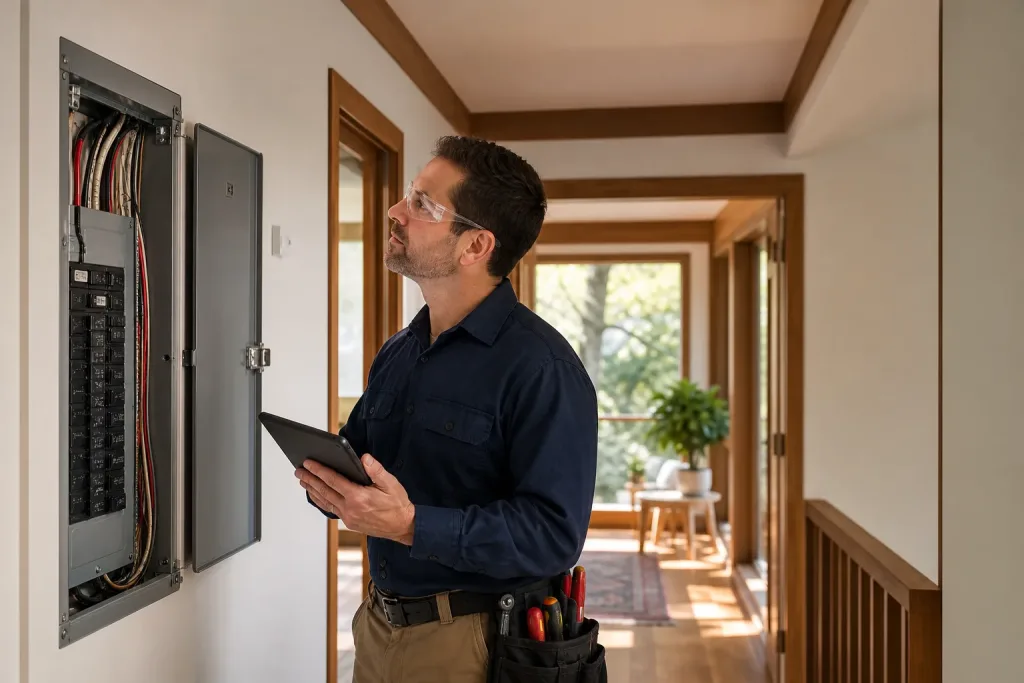
Quick answer: Good website design for electricians Victoria homeowners will trust is simple, fast on a phone, and clear about what you do, where you work and how to reach you. Add local service pages, real photos of your work and an easy enquiry form, and your site will do much of the work of a first conversation.
Key points
- Make your services, service area and contact details obvious on every page.
- Most local searches happen on phones, so design for small screens first.
- Real photos and clear licensing information build trust faster than slogans.
- Separate pages for each service and area help people and search engines.
- You should be able to update your own site without calling a developer.
What should an electrician's website include?
When someone in Greater Victoria has a dead outlet or a tripping breaker, they want answers quickly. Website design for electricians in Victoria should make those answers easy to find within a few seconds of landing on the page.
At a minimum, include:
- What you do: panel upgrades, lighting, EV charger installs, renovations, repairs, or whatever your work covers.
- Where you work: Victoria, Saanich, Oak Bay, Langford, Sidney and any other areas you serve.
- How to reach you: a phone number people can tap, plus a short enquiry form.
- Proof you’re credible: your licence or certification details, [your licence information], and any insurance you carry.
- A short, human introduction: who you are and how you like to work.
Keep the wording plain. Homeowners are not looking for technical language; they want to know you will show up, explain the work and leave things tidy. If you have an emergency or after-hours service, say so clearly, along with [your response times] only if you can stand behind them.
Why does mobile design matter so much for local trades?
Most people searching for an electrician are standing in a hallway or a basement with a phone in their hand. If your site loads slowly, has tiny buttons or hides your number in a menu, they will go back to the search results and call someone else.
Design for the phone first:
- Put a tap-to-call button near the top of every page.
- Use large, readable text and plenty of white space.
- Keep forms short: name, phone, a few words about the job.
- Compress photos so pages load quickly, even on a weak signal.
Keep it uncluttered
Resist the urge to add everything. A clean page with a clear headline, three or four services and an obvious way to get in touch will usually beat a busy page with sliders, pop-ups and long paragraphs. Visitors should never have to wonder what to do next.
It is also worth checking your site on an older phone and on a slower connection, as that is how many real customers will see it.
How do you build trust with homeowners online?
Inviting a stranger into your home is a big decision, so trust matters more for electricians than for almost any other business. Your website can quietly answer the questions people are afraid to ask.
- Use real photos. Pictures of your own work, your van and, if you are comfortable, yourself will feel far more genuine than stock images. Choose realistic, local scenes rather than generic ones.
- Share your credentials. Electrical work is regulated, and requirements vary, so state what applies to you accurately and keep it up to date.
- Show what to expect. A short explanation of how quotes, scheduling and cleanup work puts people at ease.
- Include reviews you have permission to share. Add them only when they are real, such as [a customer review you have permission to use].
Avoid claims you cannot prove. Calm, honest language about how you work will do more for you than big promises.
How do local pages help people in Victoria find you?
Search engines and AI assistants try to match a question with the clearest, most relevant answer. If someone asks for an electrician in Saanich or help with an EV charger in Langford, a page that speaks directly to that topic has a better chance of appearing.
Instead of one page that lists everything, consider:
- One page for each main service, such as panel upgrades or lighting.
- A short page or section for each area you serve, written about that community rather than copied and pasted.
- A simple FAQ covering common questions about permits, timing and what to prepare before a visit.
Make sure your business name, address or service area, and phone number match what appears on your Google Business Profile. Consistency helps people and search tools trust the details.
You can read more about how we approach this on our services page, including search and AI visibility.
Can you manage your own website without being a tech person?
Many tradespeople have been burned by a website that cost a lot and then sat untouched because every change needed a phone call and a bill. A good site should let you fix a phone number, add a new project photo or update your service area yourself, ideally by clicking on what you want to change.
Also think about the practical pieces that keep a site running: your own domain name, a business email address that matches it, automatic backups, and enquiries that land straight in your inbox. These are the dull details, but they protect you when something goes wrong.
At SiteVana, we build websites for trades and other small businesses, and we are based in Victoria. If you would like to talk through what your site needs, see our pricing page or get in touch. We are happy to chat, with no pressure. Good website design for electricians in Victoria starts with a conversation about how you actually work.
Frequently asked questions
How many pages does an electrician's website need?
There is no fixed number. Most electricians do well with a home page, a services page or a page per main service, an about page, a contact page and a short FAQ. Add area pages and project examples as you grow. Clear and useful matters more than big.
Should I show prices on my website?
It is up to you. Many electricians avoid exact prices because jobs vary, but you can explain how quotes work, what affects cost and whether you offer free estimates. If you do, only state it if it is true: [your quoting policy].
Do I need a Google Business Profile as well as a website?
Yes, they work well together. Your profile helps you appear in local map results, and your website gives people the detail to decide. Keep your name, service area and phone number the same on both.
How often should I update my website?
Review it a few times a year, and update whenever something changes, such as your phone number, services or service area. Adding a new project photo or a helpful article now and then also shows the site is current.
Can I use my own email address with my website?
Yes. A business email that matches your domain, such as name@yourbusiness.ca, looks more professional than a free email account and is easier for customers to remember. It is worth setting up when your site goes live.
Comments